How can we help?
Getting started
From download to your first answer, in about ten minutes.
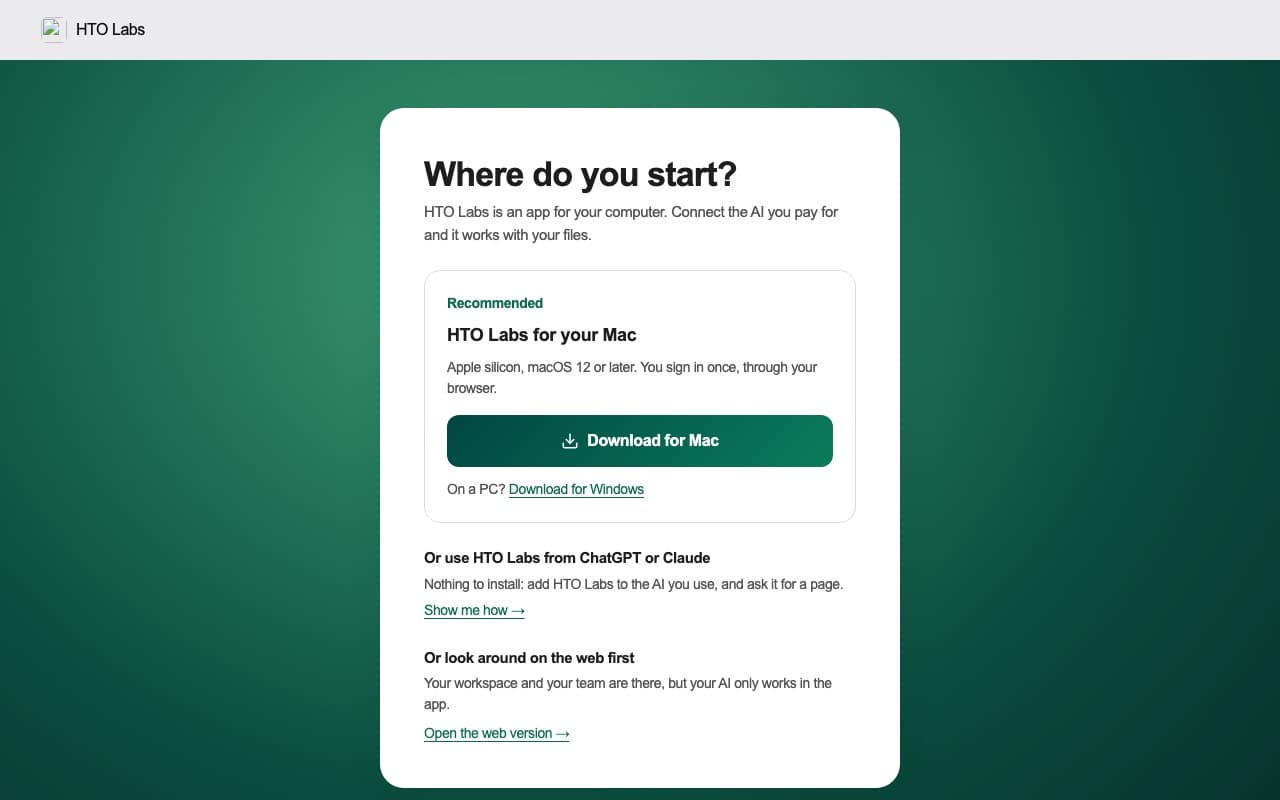 Step 1Download HTO Labs and sign in
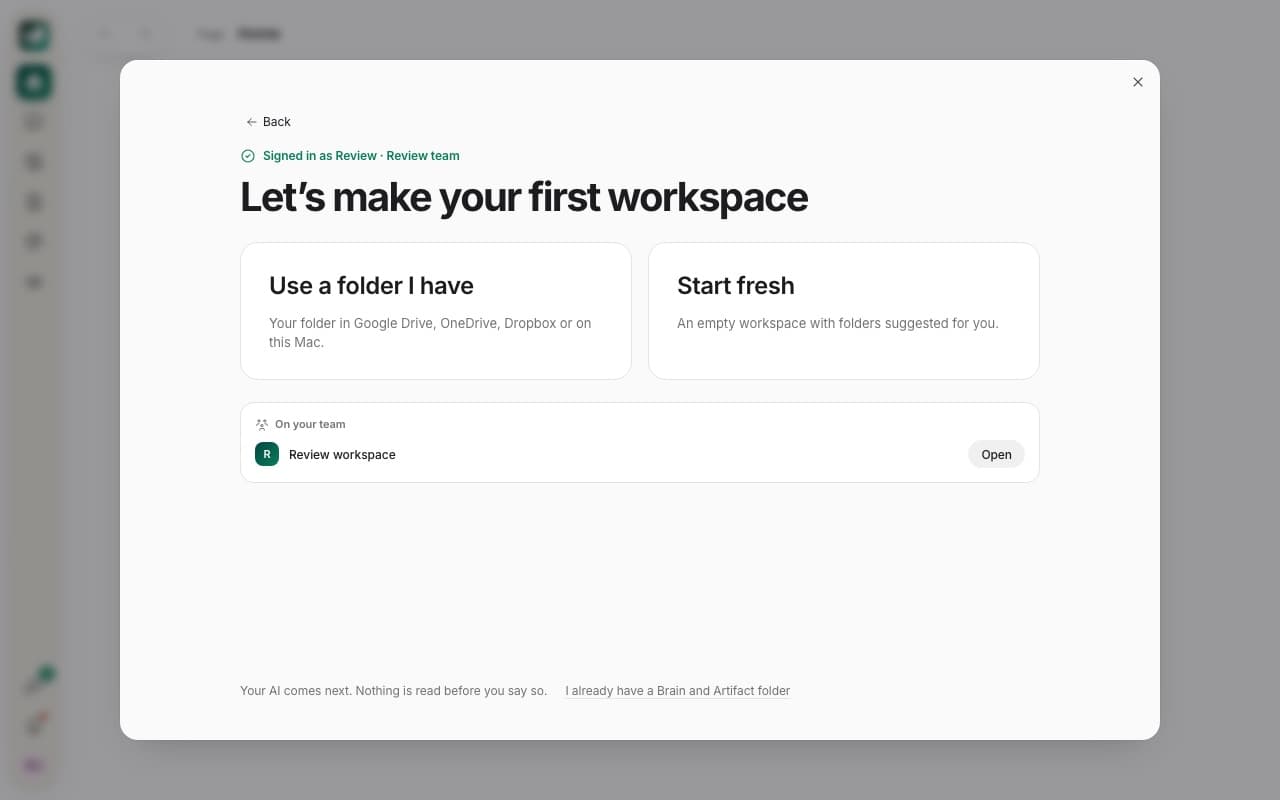 Step 2Make your first workspace
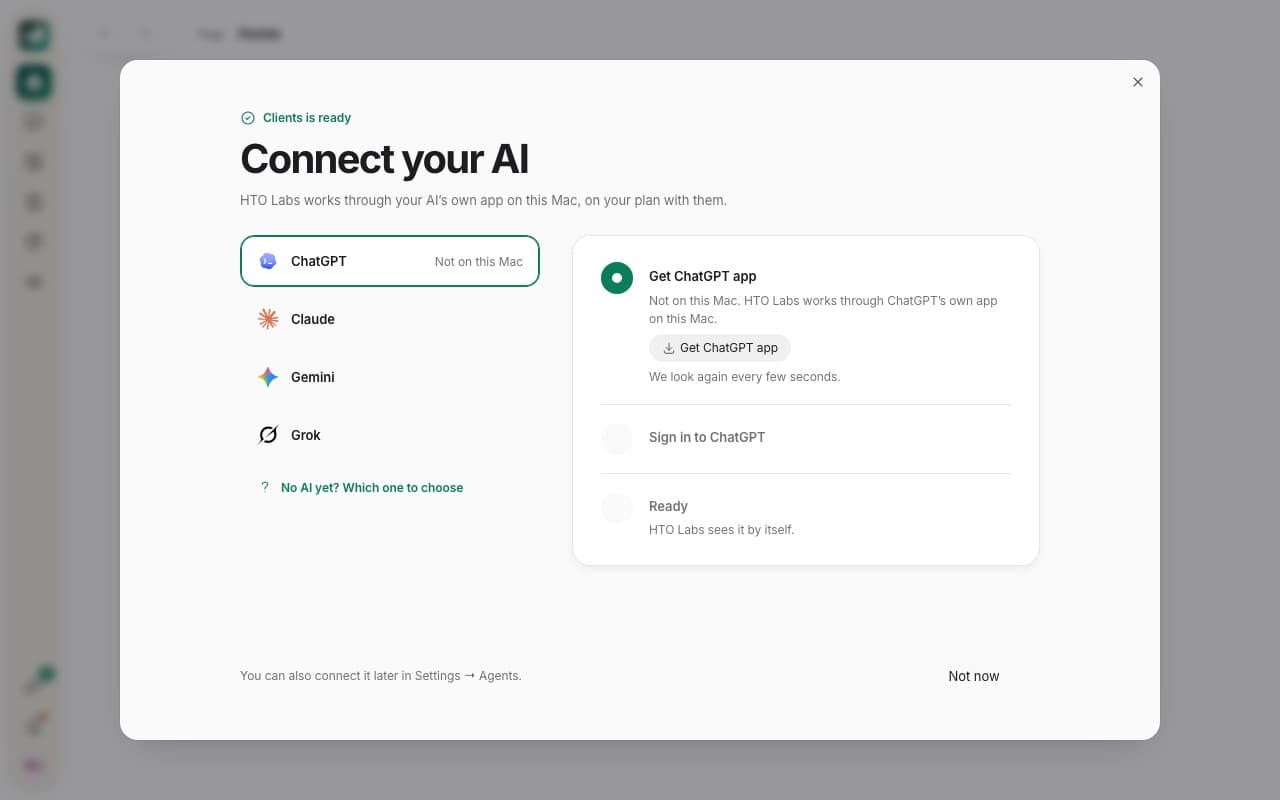 Step 3Connect your AI
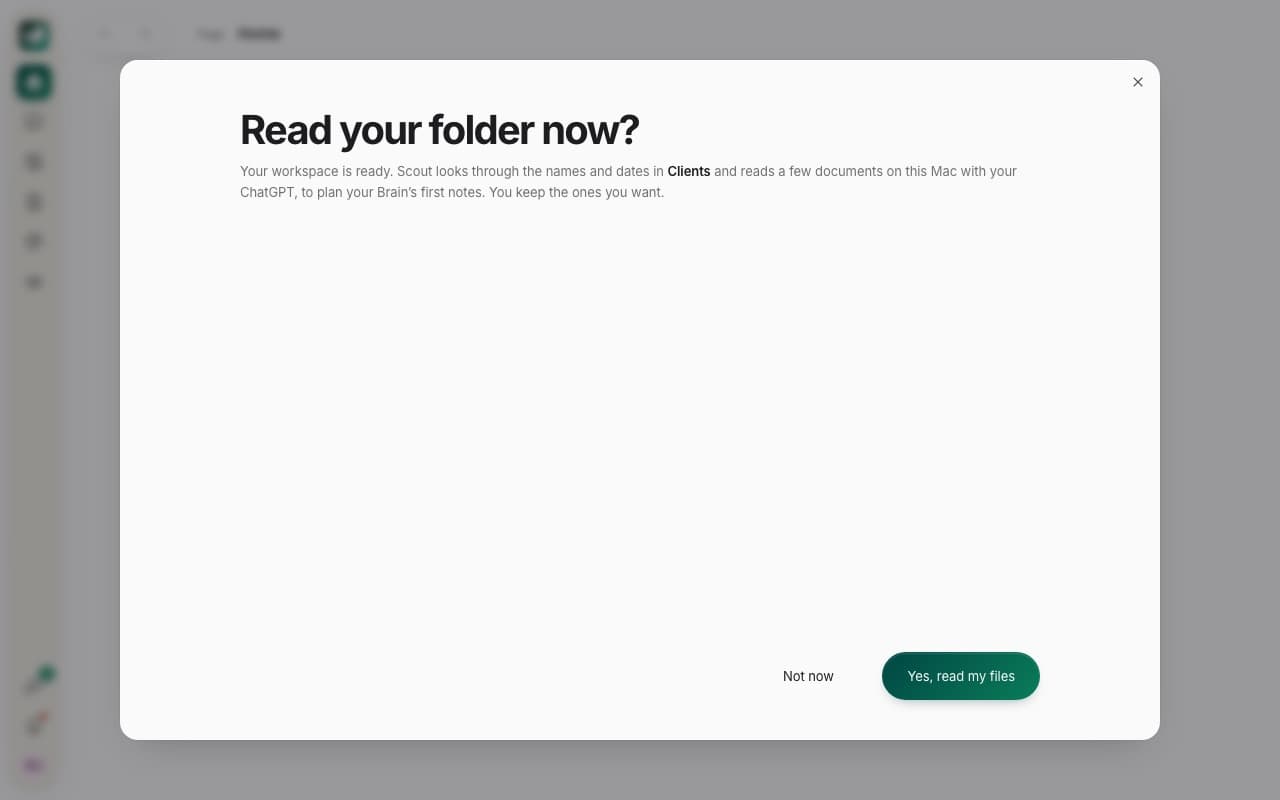 Step 4Let HTO read your folder
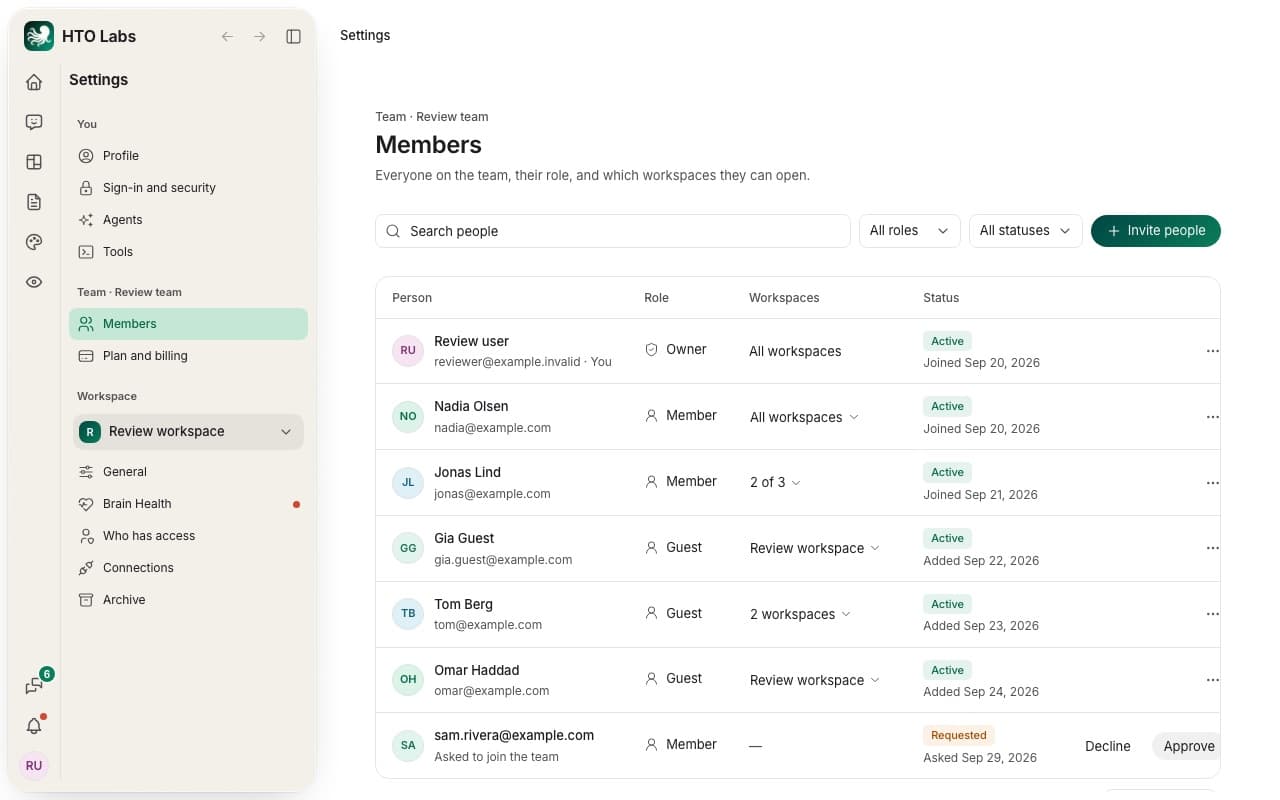 Step 5Bring your team in
Learn HTO Labs
One place for each part of the app.
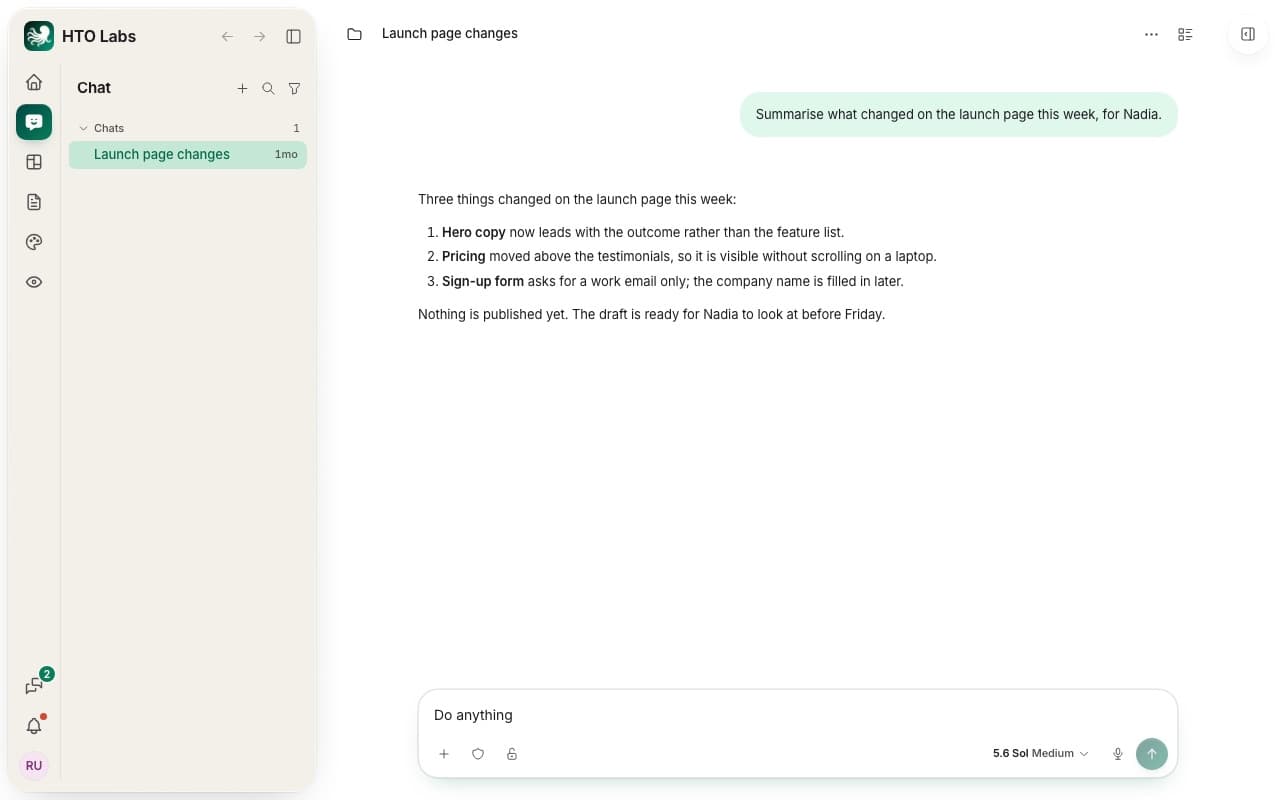 Chat
Ask HTO about your work, and let it make things for you.
4 articles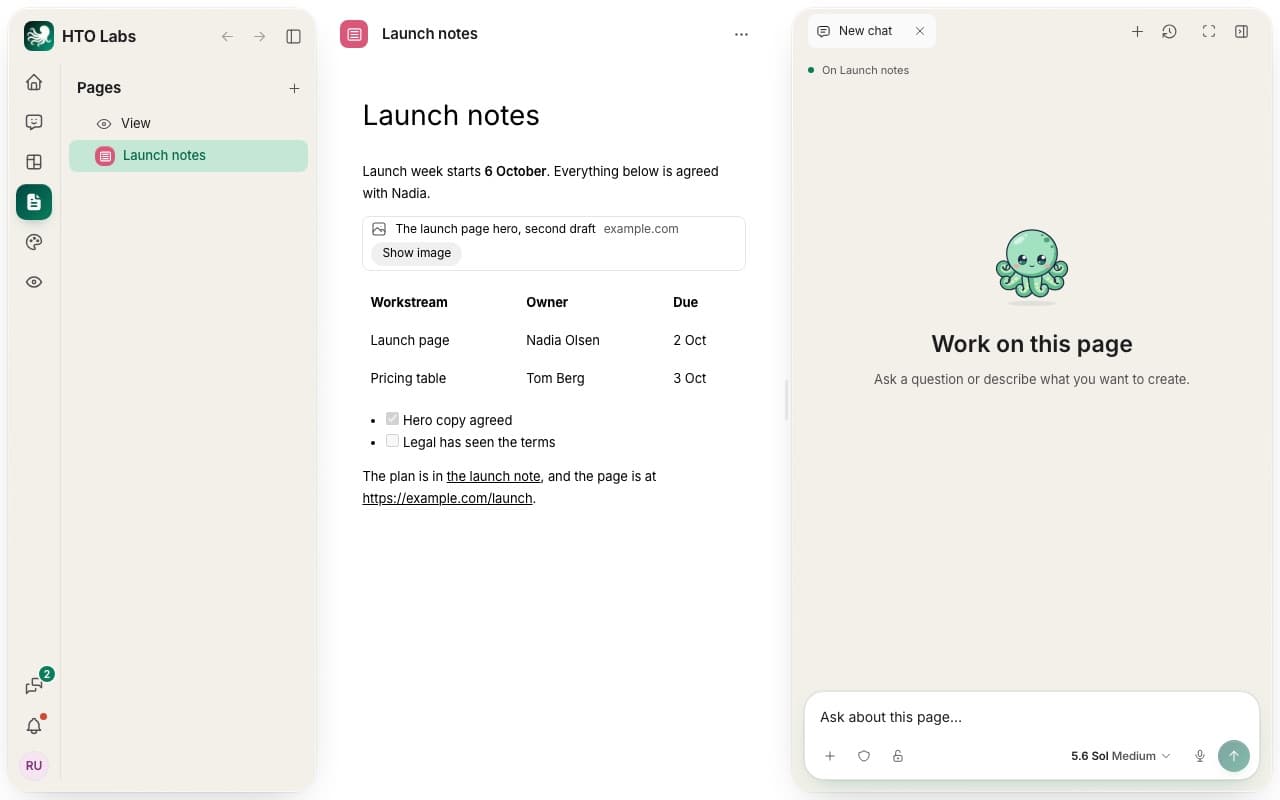 Pages
Pages your AI builds from what you describe, and how you share them.
3 articles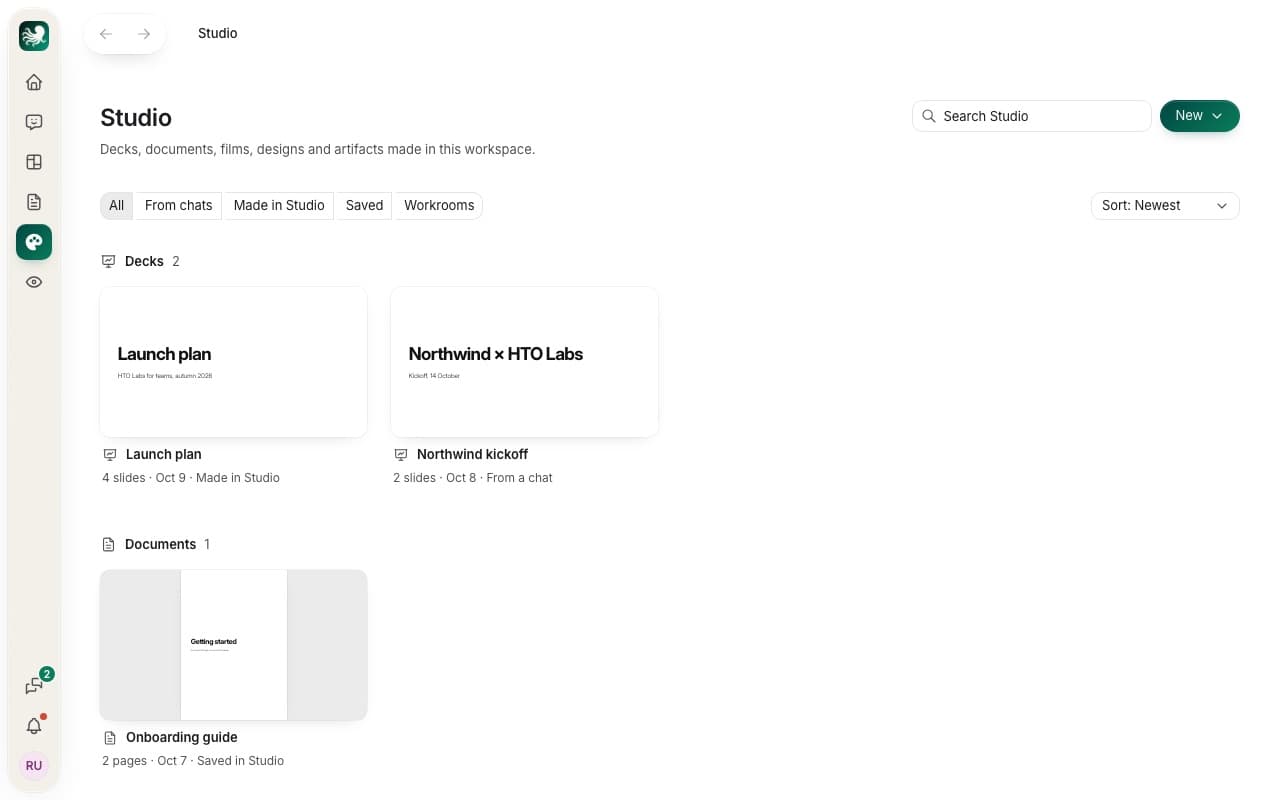 Studio
Decks, documents, films and designs, made with your AI and finished by hand.
3 articles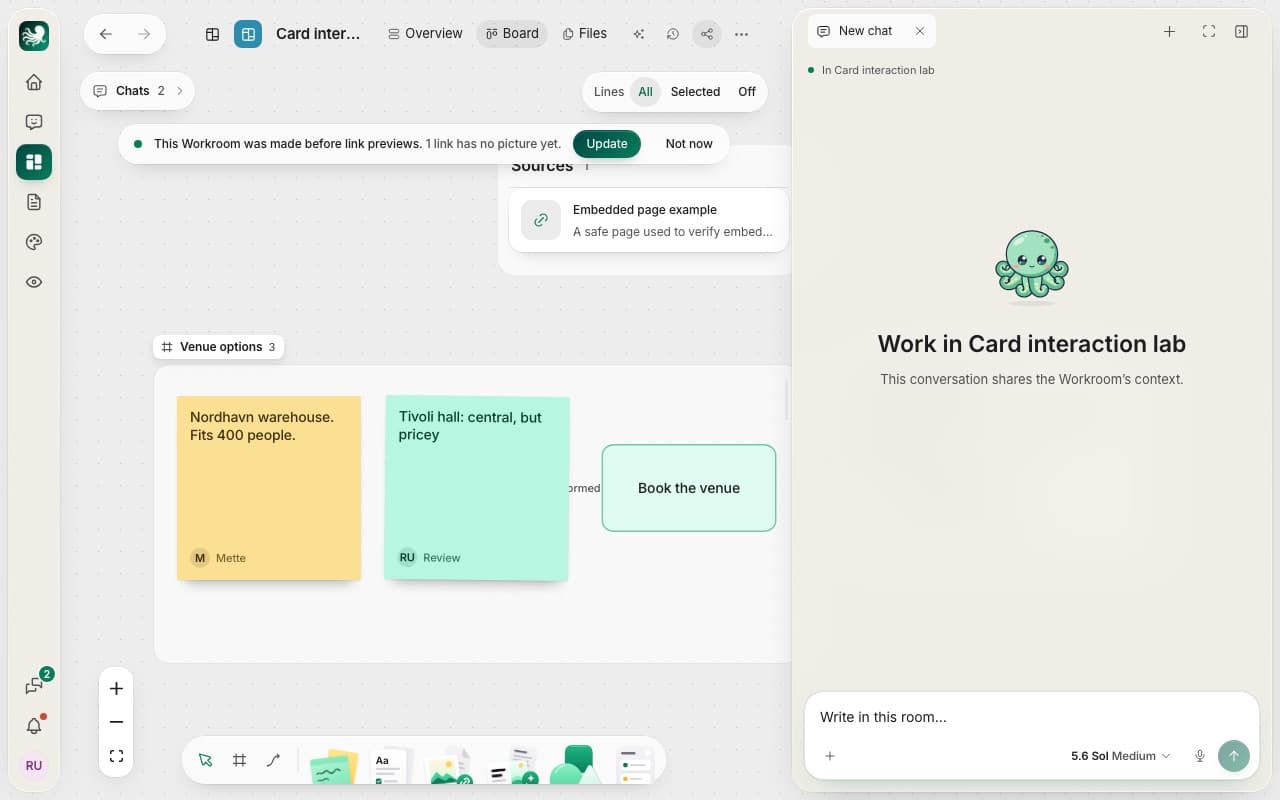 Workrooms
One room per piece of work, with its board, chats, files and people.
4 articles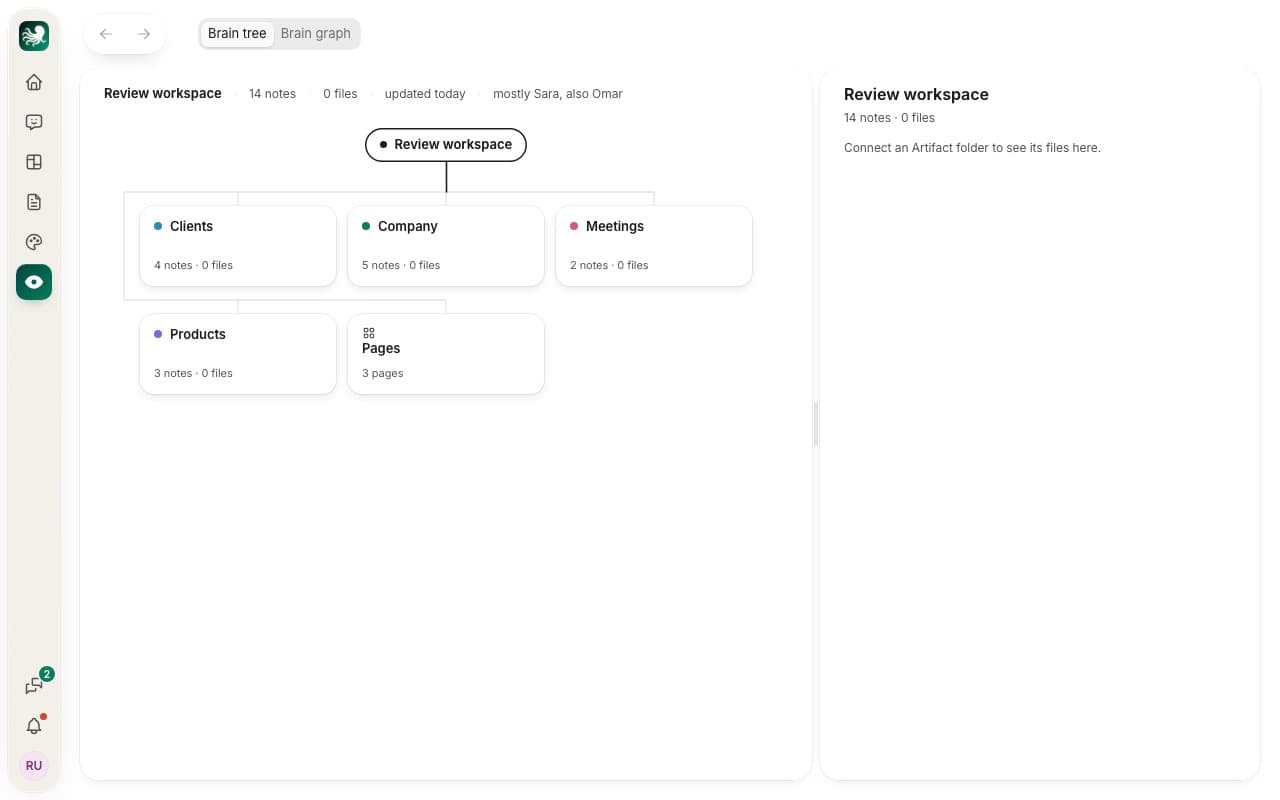 The Brain
The notes about your work that every chat starts from.
4 articles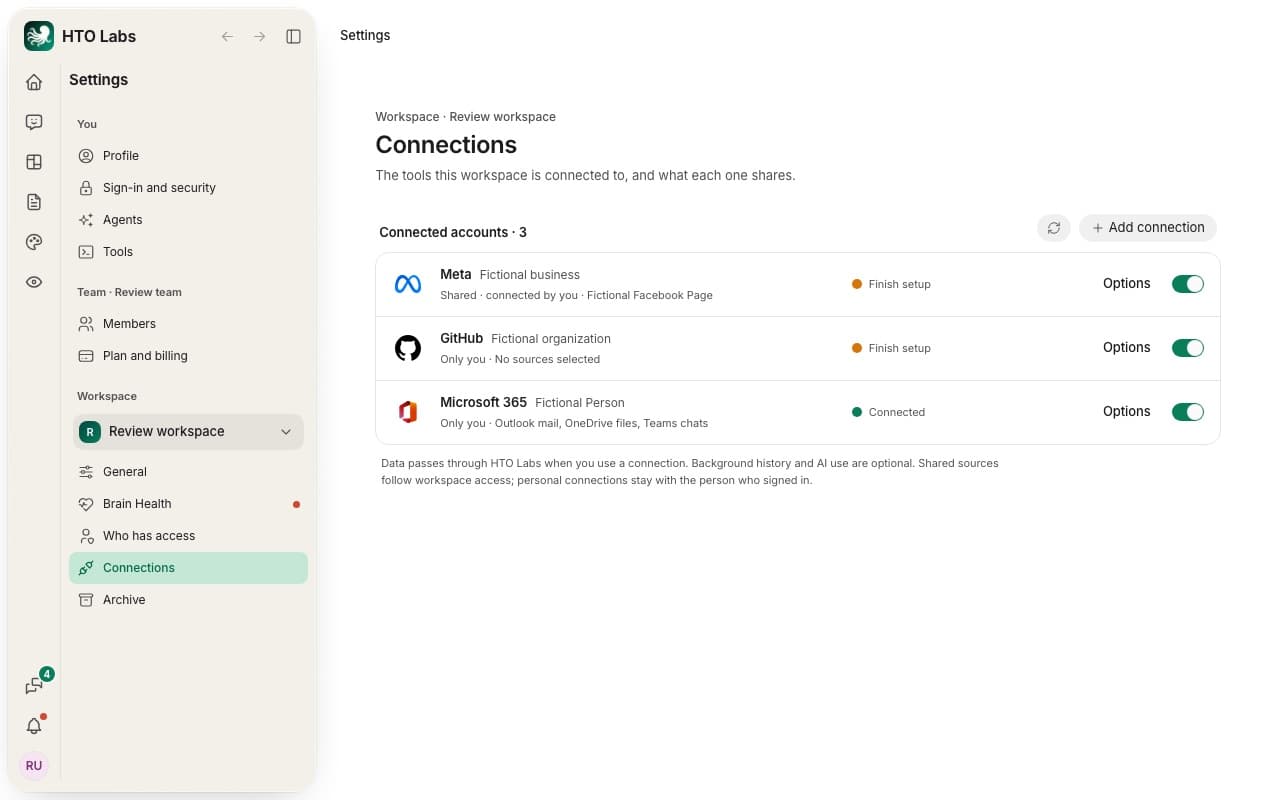 Connected accounts
Your other services, such as Airtable or Outlook, for your chats and pages to use.
3 articlesTables
Records your team keeps, such as clients, orders or tasks.
Plans and billing
Your trial, your plan, and what you pay.
Your files and data
Where your work lives, and what happens to it.
Still need help?
Write to us, and a person at HTO & Beyond answers, usually within one working day. Tell us what you tried and what happened. You can also email us at info@htobeyond.com.